Pinterest Video Downloader
Save public Pinterest videos and images without registration.
Features of This Pinterest Video Downloader
Public Pin Media
Save public visual content through this pinterest video downloader.
Original Image Saver
Functions as a pinterest image downloader.
Universal Device Support
Runs on mobile and desktop without software.
Private and Secure
No personal data and no login required.
No Account Required
Free online tool without registration.
Fast Browser Access
Direct web tool in modern browsers.
How to Use This Pinterest Video Downloader
Quick steps with our pinterest downloader.
- 1
Step 1: Copy Link
Open a public Pin and copy link. - 2
Step 2: Paste URL
Paste the link into the pinterest video downloader search box. - 3
Step 3: Save File
Click Download and save.
PinDown functions as an online pinterest video downloader for saving public Pinterest media in any web browser. When you discover inspiring public visual Pins on the social platform, saving content directly to your personal storage helps you organize references for offline research. Anyone can paste a public link into this pinterest video downloader and store original files. This pinterest video downloader keeps archiving direct. Try this pinterest video downloader today.
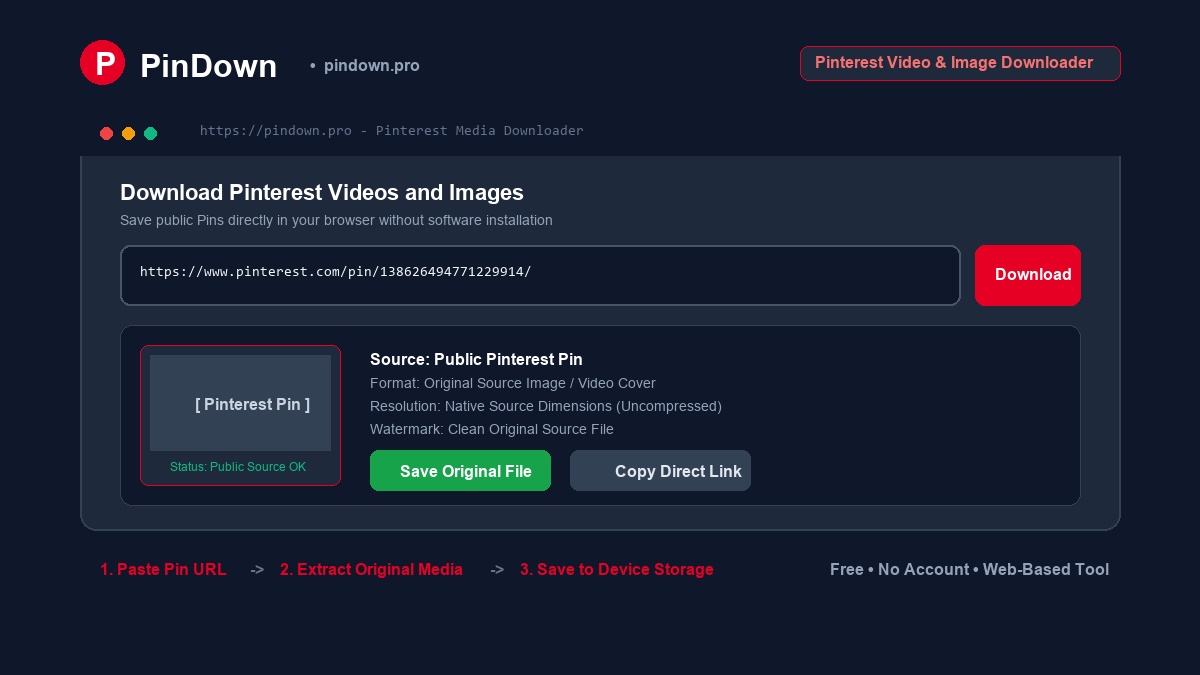
Supported Content and Operational Limits
Choosing a specialized pinterest downloader allows direct access to public visual Pins without account requirements. This pinterest video downloader processes standard Pinterest Pin links while honoring platform boundaries. Our pinterest downloader handles individual public Pins rather than private collections. Selecting our pinterest video downloader ensures clean file retrieval. This pinterest downloader maintains clean access.
What Works
- Public video Pins and image Pins processed through our pinterest video downloader.
- Media file saving managed through our pinterest downloader.
- Browser access on mobile and computers using this pinterest video downloader.
What Does Not Work
- Private Pins and secret boards.
- Full boards and profiles.
- Shortened pin.it links.
- Bypassing permissions.
How to Use This Pinterest Downloader on Devices
You can access our pinterest downloader from any modern browser without extra software utilities. This pinterest video downloader delivers consistent performance across hardware categories. Our pinterest downloader keeps file retrieval direct. No app needed.
Saving Pins on Android Phones
Open Pinterest and copy the share link. Paste the address into this pinterest video downloader and tap Download. Your mobile browser stores the media file directly within your Downloads directory. Mobile users can rely on this pinterest downloader. Save cleanly. This pinterest video downloader operates on Android.
Saving Pins on iPhone and iPad
Open Safari and visit our pinterest video downloader. Paste the address into this pinterest downloader and select the download action. Select the share menu to send the item to Files or camera roll. This pinterest video downloader handles iOS media.
Saving Pins on Windows PC and Mac
Open the public Pin on your desktop browser and copy the URL. Visit our pinterest downloader and paste the link to complete your request. The pinterest video downloader extracts the available public media file straight to your local drive. Desktop monitors organize files. This pinterest video downloader runs fast on desktop.